
You will now be presented with a screen to enter either an Activation Code or to connect to the Local License Server (if operating offline).
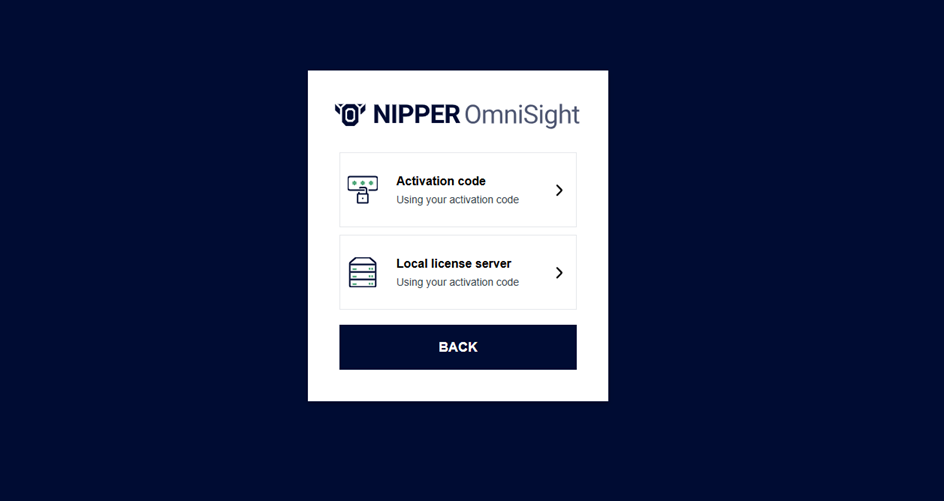
Activation Code
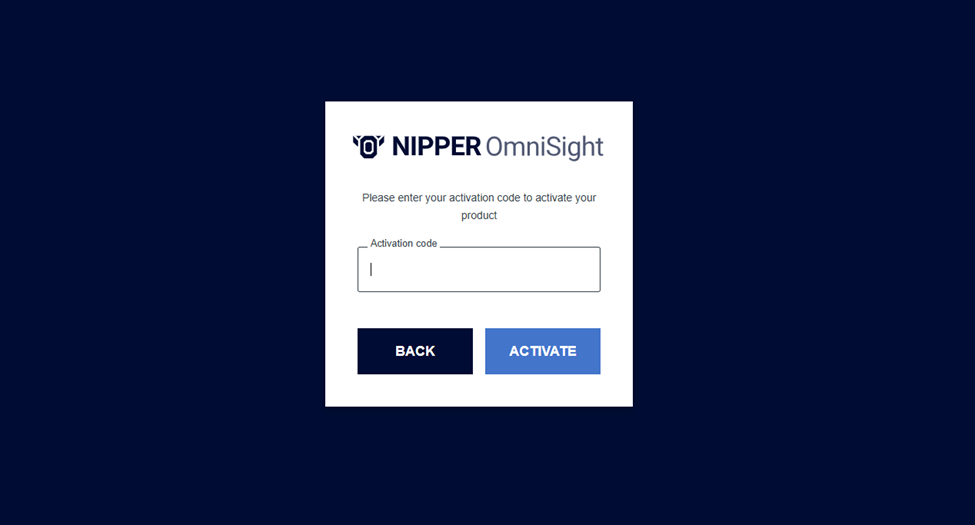
If you are operating in an online environment, you can select Activation Code, and enter the code that was provided in the file activation_code.txt.
Local License Server
If you are operating in an offline environment, you will not be provided with an Activation Code. Instead, when you receive your OVA, it will contain a local license server that is pre-activated with your entitled licenses. After deploying and starting this local license server within your environment, you should then be able to enter your Activation Code, along with the URL of the local license server, in this screen. Once this information is submitted, OmniSight will validate against the local server and become fully licensed, functioning in the same way as it would with an online activation.