
▶️Watch: How to exclude false positives from reports in Nipper InfraSight (video)
📝Guide: Instructions on how to exclude false positives from reports in Nipper InfraSight
-
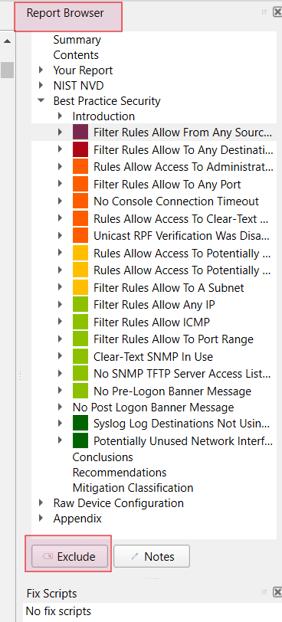
Navigate to the Report Browser available on the right side of the report.
-
Click on the specific finding to select it.
-
Click on the Exclude option available at the end of the Report Browser.
-
Choose the appropriate exclusion option from the menu.
-
Click OK.
-
Select Yes to regenerate the report.