The following devices are being mis-identified within Nipper InfraSight (v4):
-
Cisco XE detected as Cisco Router (IOS)
-
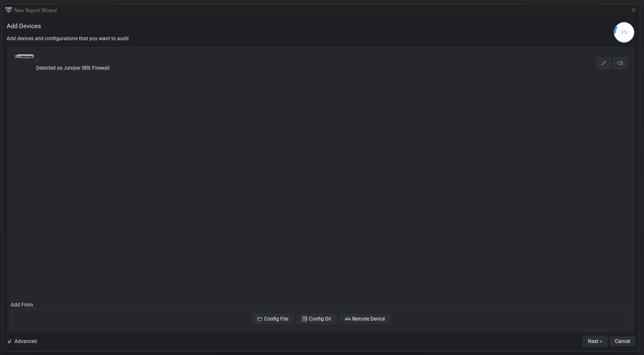
Juniper MX detected as Juniper SRX Firewall
-
Juniper EX3300 detected as Juniper J-Series Router
It is possible to override what device Nipper InfraSight has detected. Please follow the below steps.
-
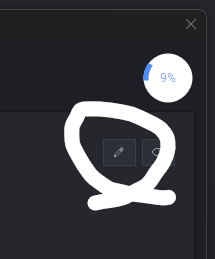
When a config file has been selected in the New Report Wizard, and the text below incorrectly states the detected device, this can be overridden by selecting the pencil (edit) icon to the right of the device:
-
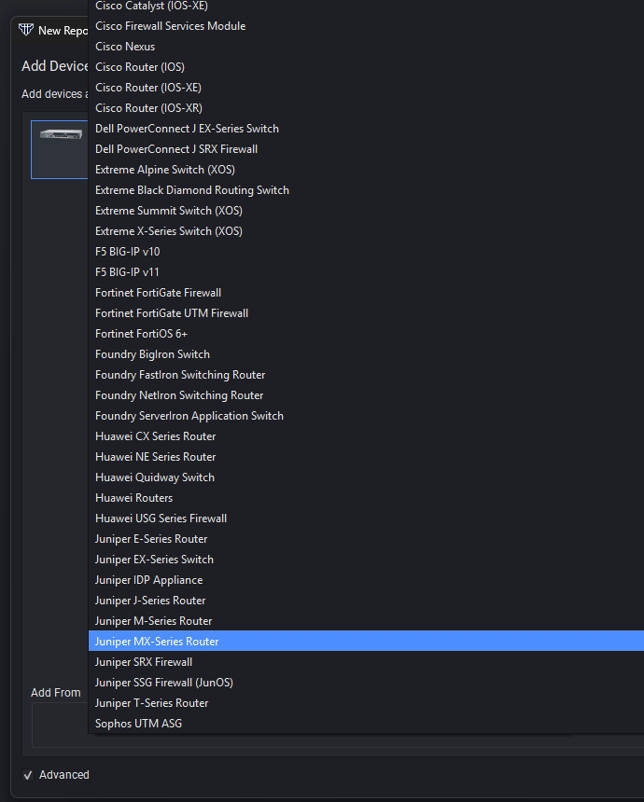
This will enable a dropdown box, listing all possible devices:
-
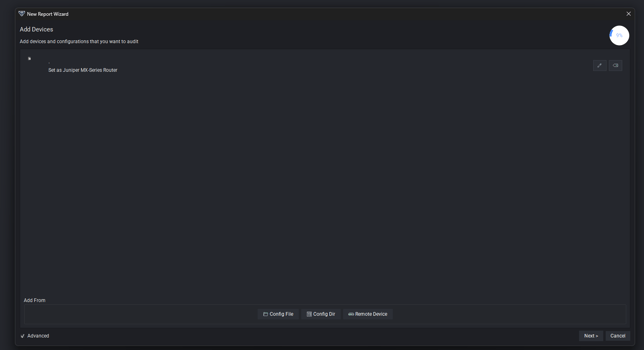
From here, the correct device can be selected, that this will override the detected device: