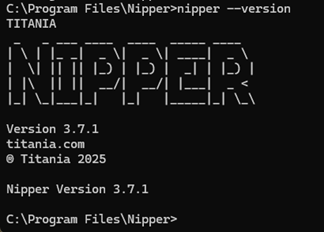
Windows: You can either navigate to the installation directory or add the Nipper InfraSight path to the system's PATH environment variable to enable execution from any command prompt location.
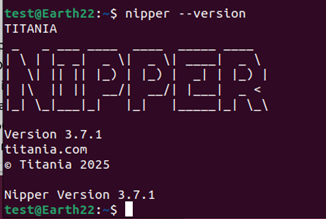
Ubuntu: In many cases, Nipper InfraSight can be run directly from the Terminal without changing directories, especially if it was installed to a location already included in your PATH.