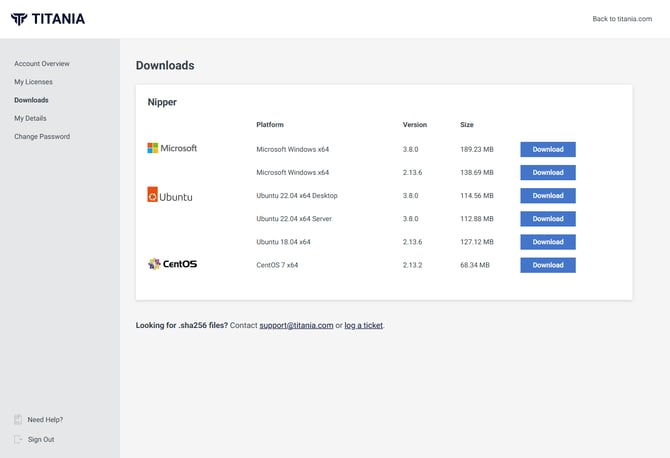
Nipper InfraSight can be downloaded for Windows and Ubuntu operating systems.
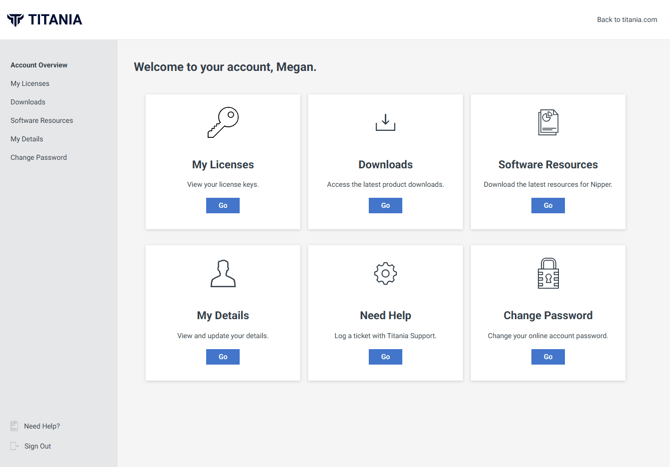
Once you are a registered user of our customer account (https://account.titania.com/), you can download Nipper InfraSight by logging in to view your dashboard.
You must have an active license and login to be able to access the account, if you don't have a login you can request access via https://account.titania.com/request-access.
On the account overview, you will be able to initiate the download process by navigating to Downloads.
From the Download page you can choose your operating system and architecture for the download you require.